Introducing MultiClawed: every Claude account, side by side
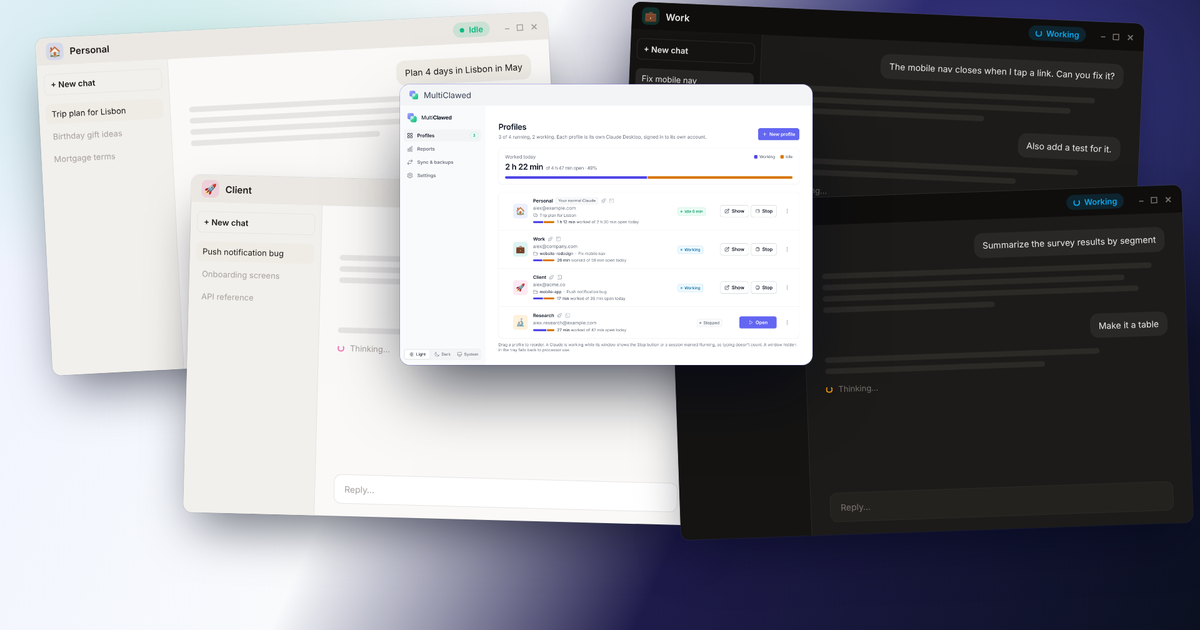
Claude Desktop signs in to one account at a time. MultiClawed gives each of yours its own window — and tells you what they are all doing.
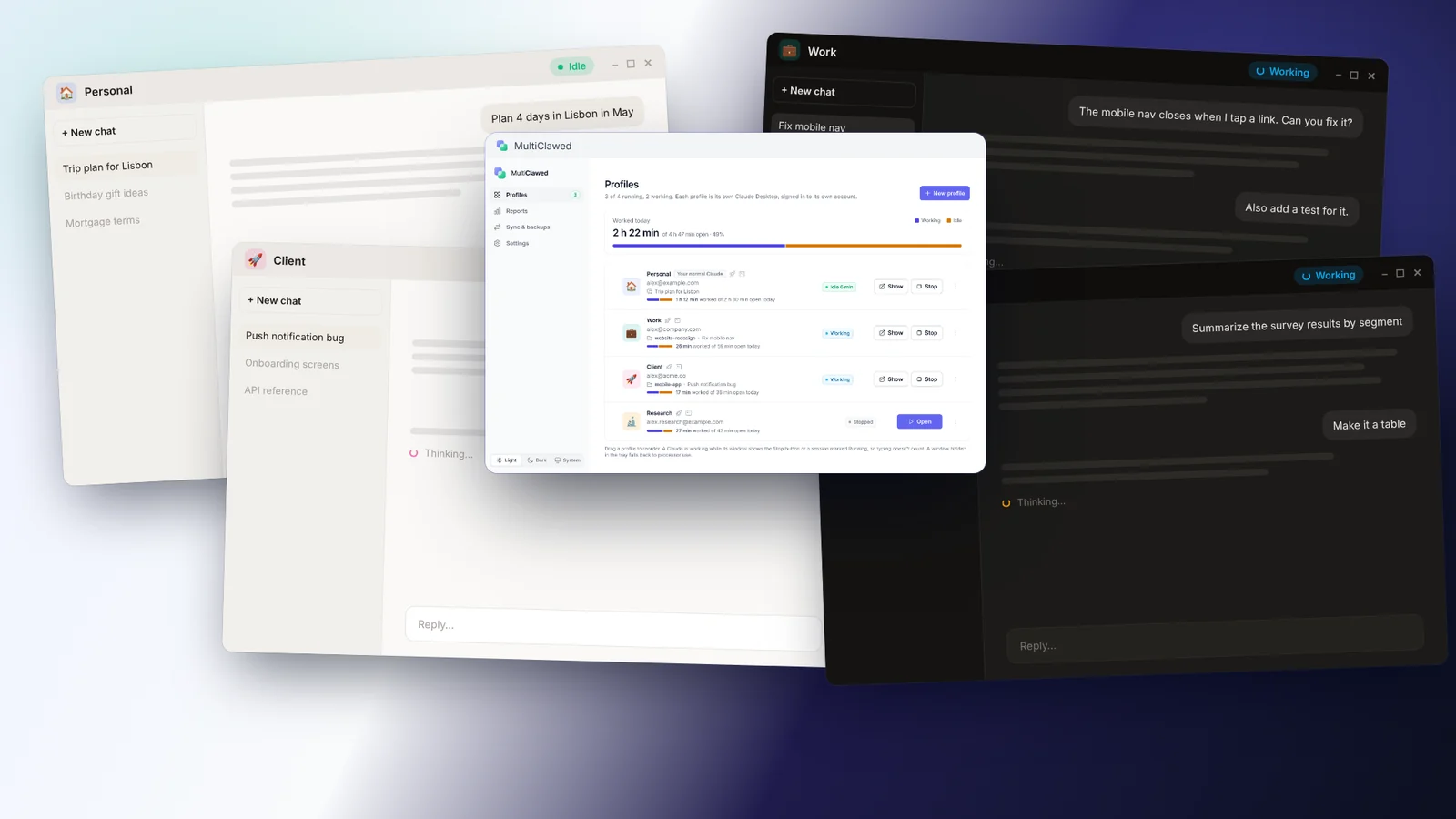
If you use Claude for work, for clients and for yourself, you probably have more than one account — and Claude Desktop only runs one of them at a time. Switching means signing out, signing back in, and losing your place.
MultiClawed fixes that. Each profile is its own Claude Desktop, with its own sign-in, chats, projects and settings. Open them all at once, switch with a hotkey, and close any one without touching the others.
What it does
- Profiles. Personal, Work, a client — each in its own window, signed in to its own account.
- Usage limits. Every account’s limits in one list, so you can see which one has room before you start.
- Working and idle. Each profile shows whether Claude is busy, and can notify you when a task finishes.
- Sync and backups. Local chats copy across profiles, with a backup taken first. Nothing is ever deleted.
- Export and import. Move profiles, chats and settings to a new computer in a single file.
Private by design
MultiClawed has no account of its own, no analytics and no servers of ours. Your chats never leave your machine. The privacy policy sets out exactly what the app looks at, and what it doesn’t.
Getting it
MultiClawed is a Windows app, distributed through the Microsoft Store, with a 7-day free trial and a one-time purchase after that. A Mac version is on the way.
MultiClawed is made by OGStudio and is not affiliated with or endorsed by Anthropic. Claude is a trademark of Anthropic, PBC.